Effective Date: June 2026
Platform: Android
Developer: KAYAV
Brand: KAYAV™
Website: https://kayav.art
Covered Apps: KAYAV AI Assistant, My Book, Fee Register, My Planner
This page groups privacy policy information by Android application. More KAYAV Android app privacy policies may be added here in the future.
Android Apps
1. KAYAV AI Assistant
Application Name: KAYAV AI Assistant
Platform: Android
Package Name: com.blinkflowadon.kayav
Developer: KAYAV
Brand: KAYAV™
Website: https://kayav.art
1.1 Introduction
This Privacy Policy applies specifically to the KAYAV AI Assistant Android Application ("App").
The App is developed and published by KAYAV under the KAYAV™ brand.
This Privacy Policy explains how the Android application accesses, stores, uses, and processes information while being used on Android devices.
1.2 Application Overview
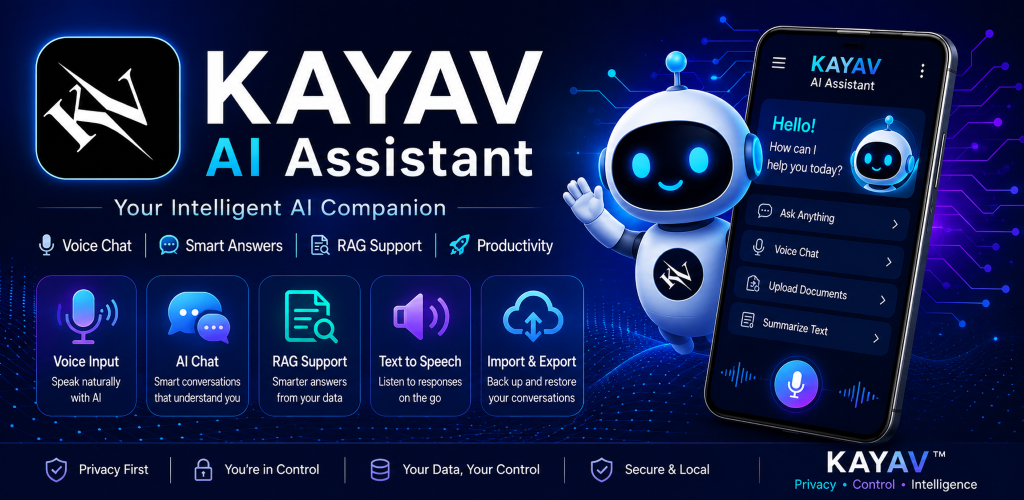
KAYAV AI Assistant is an AI-powered Android application designed to provide:
- AI-powered conversations
- Voice-to-text interaction
- Text-to-speech responses
- Local conversation storage
- RAG (Retrieval-Augmented Generation) support
- Import and export functionality
- User-managed AI service integration
1.3 Privacy-Focused Design
KAYAV AI Assistant has been designed with a privacy-first architecture.
Conversation history, imported documents, application settings, RAG content, and user-generated data are stored locally on the user's Android device whenever possible.
KAYAV does not operate servers that store user conversations, imported RAG documents, or user API credentials.
1.4 Information Collection
The application does not require:
- User Registration
- Account Creation
- Email Verification
- Phone Number Verification
The application does not intentionally collect personal information such as:
- Name
- Email Address
- Phone Number
- Residential Address
- Government Identification Information
1.5 OpenAI API Key Requirement
KAYAV AI Assistant requires users to provide their own OpenAI API key to access AI conversation functionality.
The application does not provide OpenAI credits, subscriptions, paid usage plans, or billing services.
Users are responsible for creating and maintaining their own OpenAI account.
To obtain an OpenAI API key:
- Create or sign in to an OpenAI account.
- Access the OpenAI Platform dashboard.
- Create a new API key.
- Add billing information if required by OpenAI.
- Enter the API key into KAYAV AI Assistant.
Users are solely responsible for any OpenAI API charges, billing, usage limits, and account management.
KAYAV AI Assistant is an independent application and is not affiliated with, endorsed by, or operated by OpenAI.
1.6 API Key Storage
User-provided API keys are stored locally on the user's Android device.
KAYAV does not collect, access, transmit, or store user API keys on developer-controlled systems.
1.7 AI Requests and Conversations
When a user submits a prompt, the request is transmitted directly from the Android device to the selected AI provider using the user's own API credentials.
KAYAV does not receive, access, or store user conversation content.
1.8 Local Storage and RAG Data
Conversation history, imported documents, RAG content, settings, and preferences are stored locally on the Android device.
Users may export, import, back up, restore, or delete this data at any time using application features.
1.9 Microphone Permission
The application may request microphone access to provide speech-to-text functionality.
Microphone access is only used when the user actively initiates voice interaction.
Audio is not continuously recorded in the background.
1.10 Text-To-Speech Services
The application may use Android text-to-speech services available on the device to read AI responses aloud.
1.11 Import and Export Features
Users may export and import conversations, RAG documents, and application data.
Exported files remain under the user's control and responsibility.
1.12 Permissions Used
- INTERNET - Required to communicate with AI service providers.
- ACCESS_NETWORK_STATE - Used to determine network availability.
- RECORD_AUDIO - Used for speech-to-text functionality.
1.13 Data Sharing
The application does not sell, rent, share, or distribute user data to advertisers, marketers, or data brokers.
1.14 Advertising
KAYAV AI Assistant does not display advertisements.
1.15 Security
Users are responsible for safeguarding their OpenAI API credentials and exported data files.
Reasonable security measures are used where applicable to protect locally stored information.
1.16 User Rights and Controls
- Delete conversations
- Delete imported documents
- Export local data
- Import backup data
- Remove API keys
- Uninstall the application
1.17 Children's Privacy
The application is not specifically directed toward children under 13 years of age.
2. My Book
Application Name: My Book
Platform: Android
Developer: KAYAV
Brand: KAYAV™
Website: https://kayav.art
2.1 KAYAV No Ads Policy
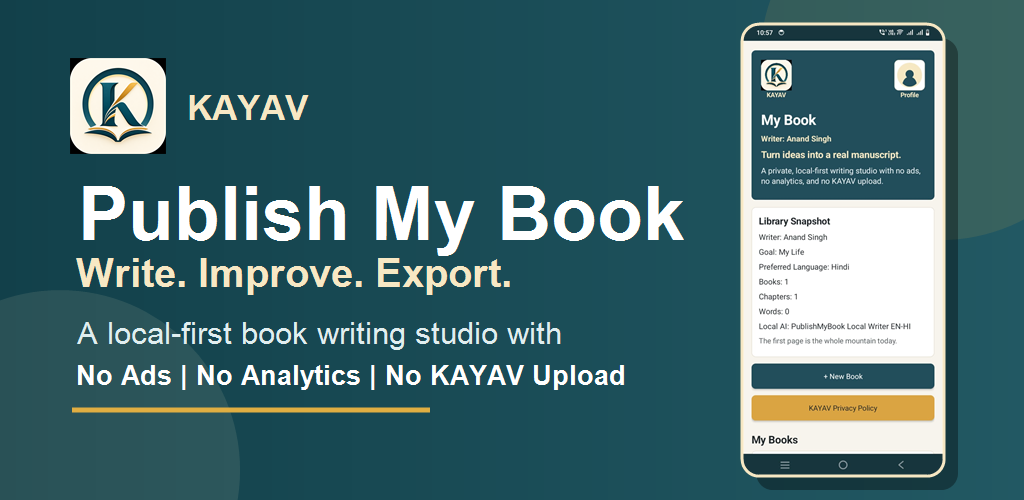
Publish My Book is designed as a local-first writing app. Your books, chapters, profile details, profile image, preferred language, AI improvements, and exported files are stored or generated on your device.
No ads. No analytics SDK. No tracking SDK. No Firebase. No selling user data.
The app does not request internet access and does not upload your writing to our servers. Android cloud backup is disabled for this app.
Local AI Improve and AI Context use the model assets bundled inside the app.
2.2 Voice Writing
Voice Writing is optional and only starts when you tap Start Voice Writing and grant microphone permission. Microphone input is used only to convert your speech into chapter text for your comfort.
Depending on your device, Android speech recognition may be provided by Google or your device manufacturer. Do not use Voice Writing if you do not want microphone audio handled by the device speech service.
2.3 User Control
You can write manually, export your own content, and delete your books or chapters from inside the app.
3. Fee Register
Application Name: Fee Register
Platform: Android
Developer: KAYAV
Brand: KAYAV™
Website: https://kayav.art
3.1 Local Fee Management
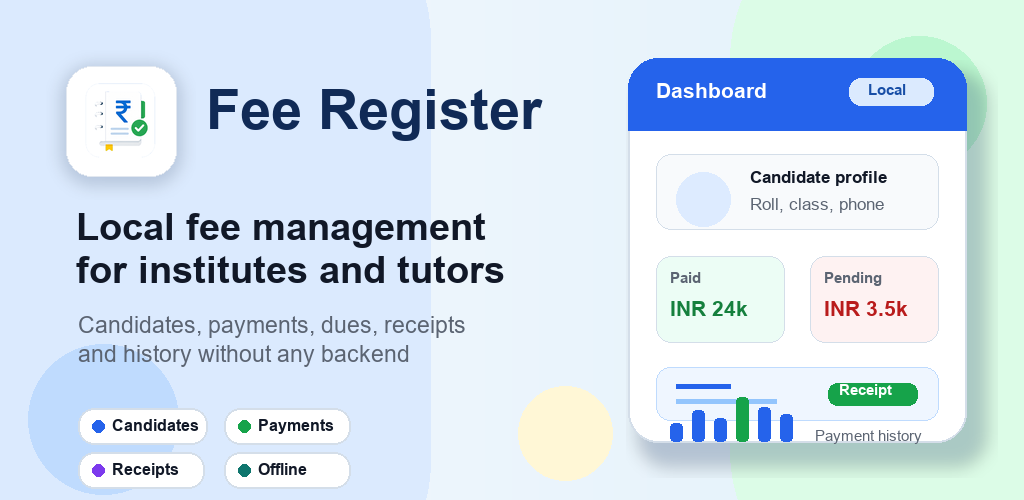
Fee Register is designed for institutes, tutors, and small learning centers to manage candidates, payments, dues, receipts, and payment history on the Android device.
The app is intended for local fee management without a developer-controlled backend.
3.2 Information Stored Locally
Candidate details, fee records, paid and pending amounts, receipt details, and history entries are stored locally on the user's device.
KAYAV does not operate servers that collect, store, or process Fee Register candidate, fee, receipt, or payment-history data.
3.3 No Account Requirement
Fee Register does not require user registration, account creation, email verification, or phone number verification to use local fee-management features.
3.4 Receipts and Exported Data
Users may create, save, share, or export receipts and fee-related records using app or Android device features.
Exported or shared files remain under the user's control and responsibility.
3.5 Advertising and Tracking
Fee Register does not sell, rent, share, or distribute user data to advertisers, marketers, or data brokers.
Fee Register does not use Firebase, analytics SDKs, tracking SDKs, or advertising SDKs for user tracking.
3.6 User Control
Users can add, update, delete, export, or remove their locally stored fee-management data using application and device controls.
4. My Planner
Application Name: My Planner
Platform: Android
Developer: KAYAV
Brand: KAYAV™
Website: https://kayav.art
4.1 Private Local Planning
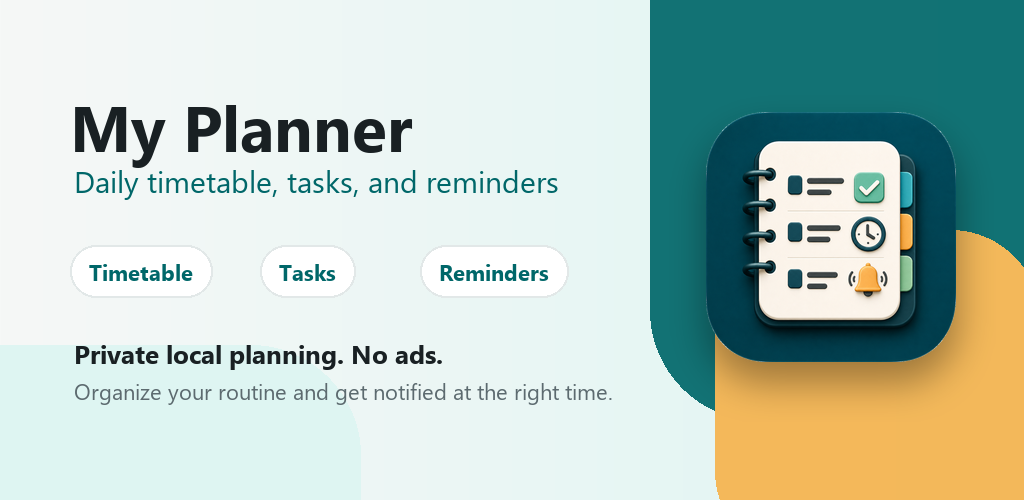
My Planner is designed for daily timetable planning, task management, and reminders on the Android device.
Timetables, tasks, reminders, routine details, and planner preferences are stored locally on the user's device.
4.2 No Ads or Tracking
My Planner is a private local planning app with no advertisements.
The app does not use Firebase, analytics SDKs, tracking SDKs, advertising SDKs, or developer-controlled backend storage for planner content.
4.3 Reminders and Notifications
My Planner may use Android reminder, alarm, or notification features to alert users about tasks and timetable items they create.
Reminder and notification features are used only for user-created planning items and can be managed through app or Android device settings.
4.4 Information Collection
My Planner does not require user registration, account creation, email verification, or phone number verification.
KAYAV does not collect, access, or store users' timetable, task, reminder, or routine data on developer-controlled systems.
4.5 User Control
Users can create, update, complete, delete, or remove their locally stored planner data using application and device controls.
Changes to This Privacy Policy
This Privacy Policy may be updated periodically. Updated versions will be published on this page.
Contact Information
Developer: KAYAV
Brand: KAYAV™
Website: https://kayav.art